Five Ways Your Docs Go Stale Before Anyone Notices

Rowland Adimoha / November 23, 2026
9 min read
Rowland Adimoha / November 23, 2026
9 min read
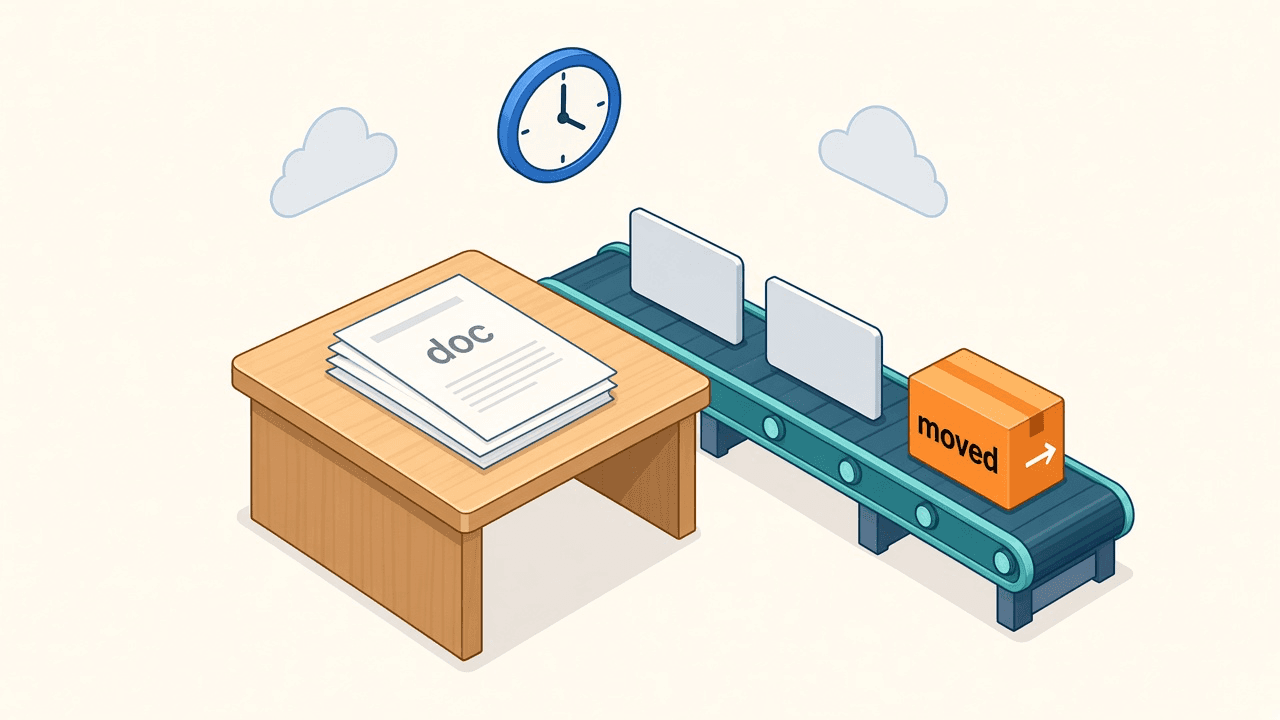
Most teams treat a doc as the spec. It is closer to a photograph. The page shows the system at one commit, written for one reader, by someone who may have moved on since.
A stale page does not look stale. It has a clean heading and a confident sentence, so nobody reopens it until a deploy fails or a new hire asks the question the page already answers wrong.
TL;DR. A doc is a claim about a system, tied to a commit, a reader, and an owner. It goes stale when one of those moves and the claim does not. Five drifts do most of the damage. They are a copied number, a renamed path, a version nobody wrote down, a reader who changed, and a rule that moved into chat. Each drift has a check you can run by hand. Run all five on the page your team trusts most before Friday.
Here is the frame the rest of this piece uses. A doc makes a claim, and the claim rests on three things. Those are the code it describes, the person who reads it, and the owner who keeps it true. Staleness starts the moment one of those three moves and the claim does not move with it. Sort any stale page into one of the five drifts below, and you know which check finds it.
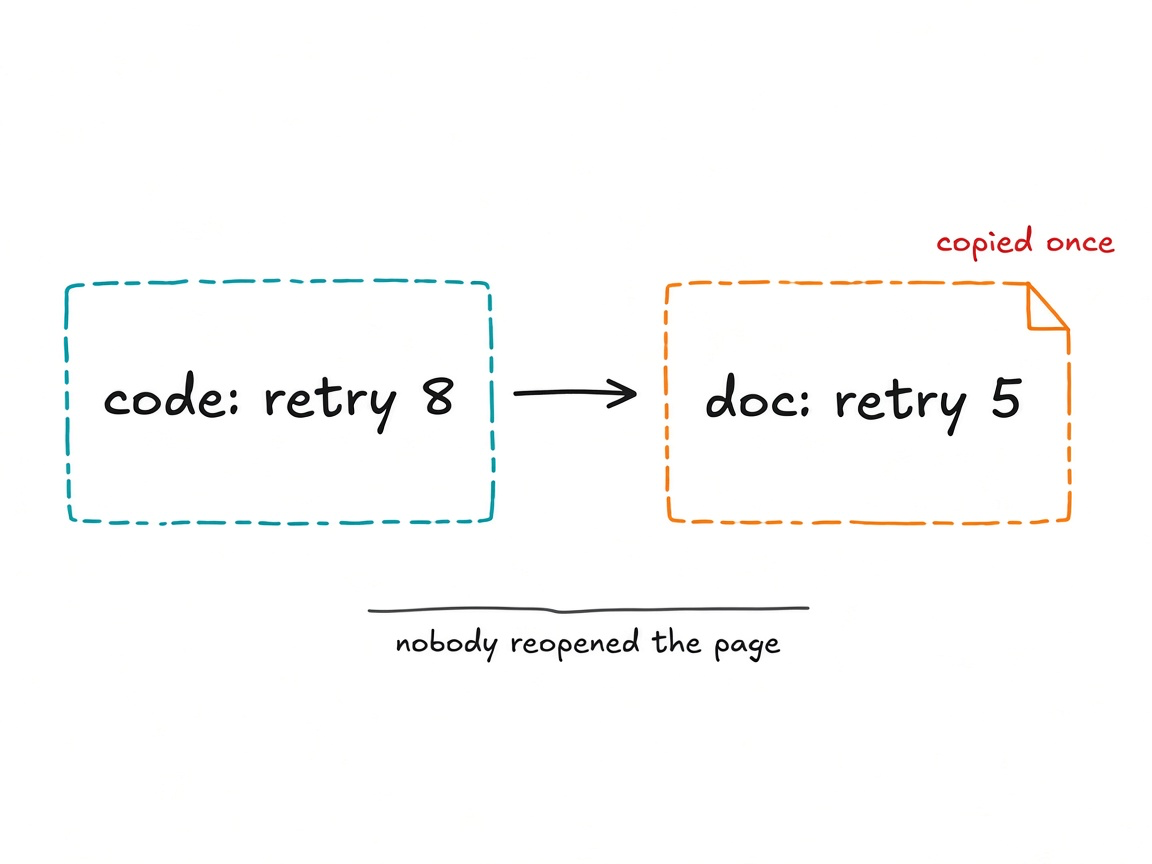 Code says retry 8 in a dashed box, with an arrow pointing to a doc page that still says retry 5.
Suppose a runbook says the retry limit is 5. Someone copied that number out of retry.go the week they wrote the page. Later, a load test showed the limit should be 8, and the change landed in the code. The review never opened the runbook. Nothing failed. The page is wrong, and it still reads as true.
The mechanism is plain. Prose holds a value as text, and the build only checks code. A number in a doc has no link to the line that sets it, so no step in your pipeline can notice when that line changes.
Here is the check. List every timeout, limit, default, and flag the page states. Search the source for each value, by the literal and by the name of the constant that holds it. A value the code no longer contains is a drift. A value that still matches but now sits beside the wrong name is quieter, and it still counts.
This is the easiest drift to catch, and the one teams skip most often. The number looked right on the day someone wrote it, so nobody thinks to look again. The next drift is harder. The file the page names still exists, just under a new name. What happens when the path itself moves?
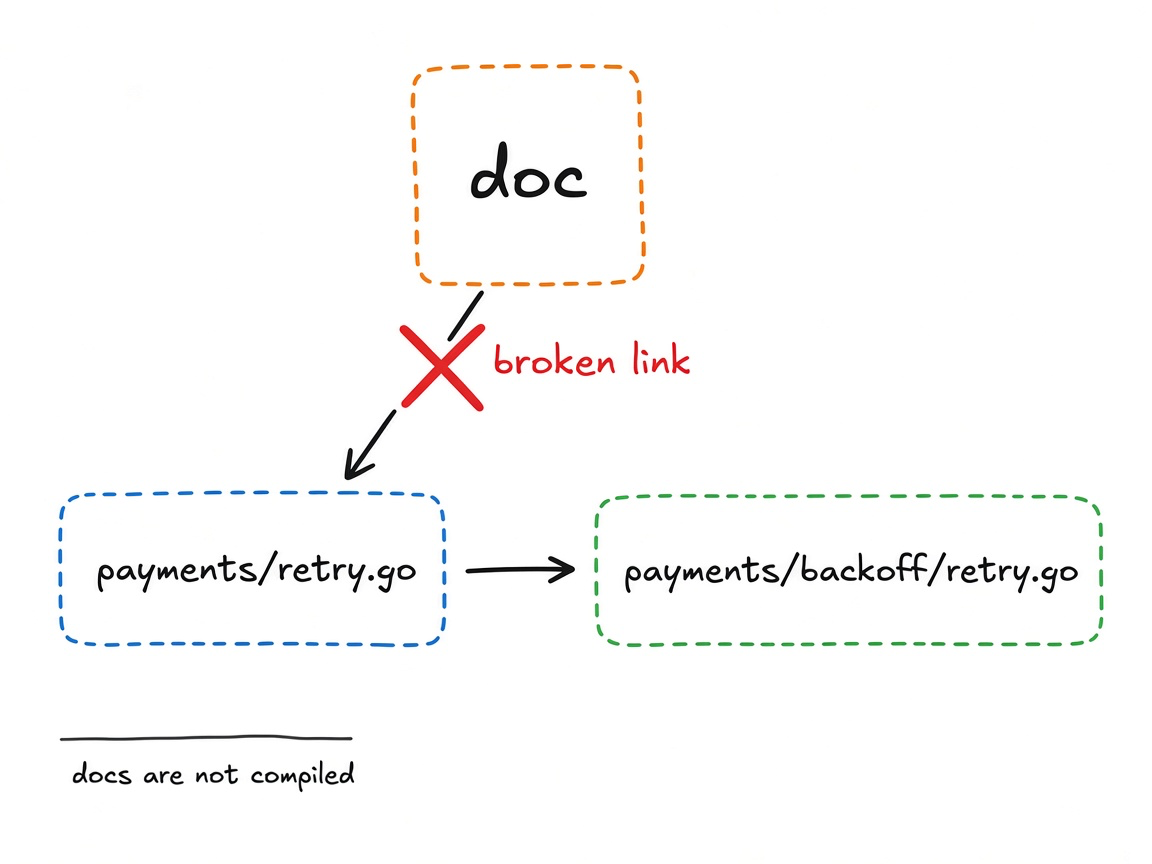 A doc with a broken link to payments/retry.go, which now lives at payments/backoff/retry.go.
A refactor moves payments/retry.go into payments/backoff/retry.go. The editor fixes the imports. Your wiki search does not know the file moved, and no link checker runs on the docs unless someone set one up. The page still points at the old path, and the path now leads nowhere.
The mechanism is the same as before, with one difference. A broken import fails the build. A broken path in prose fails nothing, so the drift waits until someone clicks it.
The check is short. Take every path the page names, and test each one in the repo. For a path that is gone, git log -1 --oneline -- payments/retry.go shows the last commit that touched the old name. Open that commit, and the rename is usually in the diff.
Renamed paths fail loudly once someone clicks them. The version drift is quieter, because the page can name a real file, and that file can still exist. So which version was the page written against?
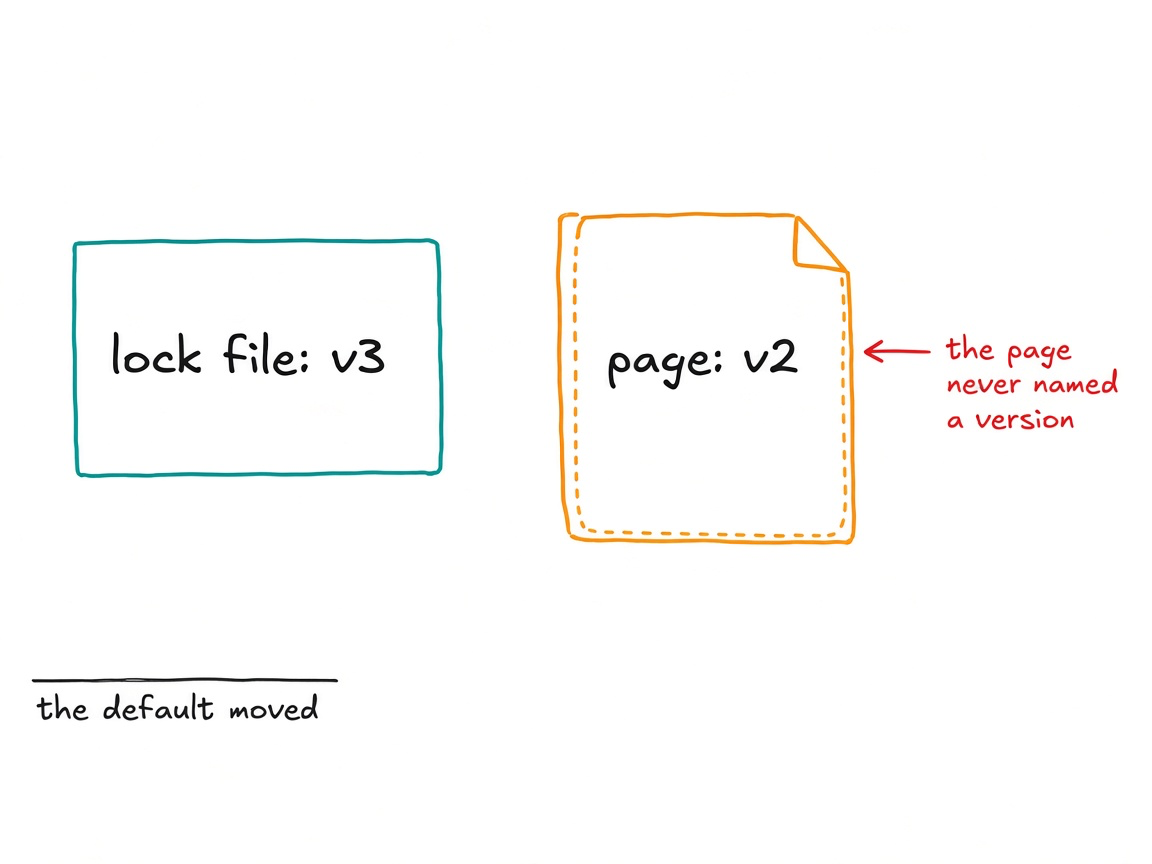 A lock file says v3 next to a page that says v2, with a note that the page never named a version.
Suppose a page says the client retries on HTTP 429. That was true for the version the author ran. Then a new major version changed the default, and the page did not say which version it described. A reader on the new version sees a plausible behavior that no longer applies, and tunes their code to a default that changed under them.
Pages rarely state the version they describe. The real version lives in a lock file, a package manifest, or a cluster config, and the page never reads from any of them. So the page and the dependency drift apart at their own pace.
The fix is a header the page owes its readers. It names the code the page covers, the dependency version it was checked against, the commit, and an owner. The header is a shape, not a standard, so use whatever your docs tool reads:
covers:
  - path: payments/client.go
  - dependency: github.com/example/payments-sdk v3.2.0
verified_commit: 3f9a2c1
verified_on: 2026-11-02
owner: payments-platform
Now the check is mechanical. Compare the dependency line against the lock file. Compare verified_commit against the last change to each covered path. If the commit is older than that change, the page owes a re-read.
A version tells you when a page was true. Nobody reads the header until they need it, which is why the next drift gets past every check so far. What if every sentence on the page still checks out?
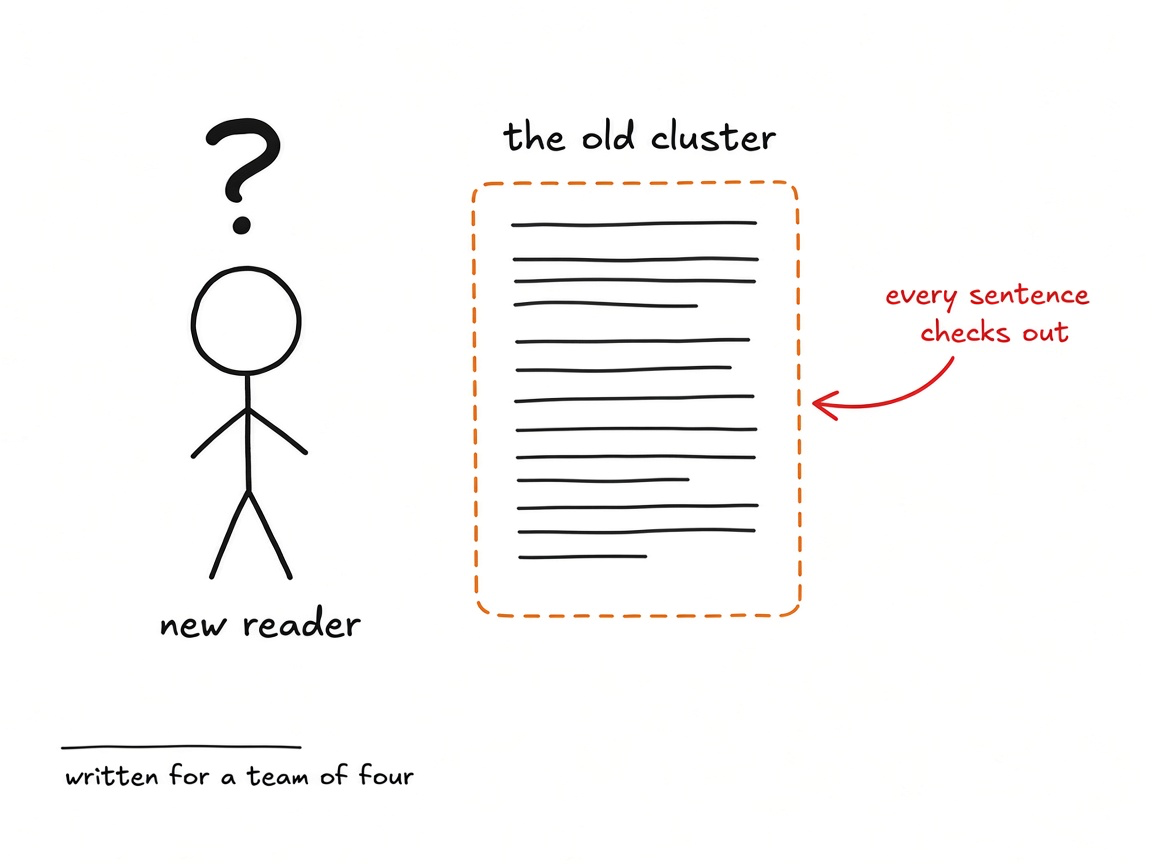 A new reader with a question mark faces a page of text that says the old cluster, with a note that every sentence checks out.
Take a page written to onboard a team of four. It names the queues by a nickname, refers to "the old cluster" without saying which one, and skips the first step because the author did it every morning. Every sentence checks out against the code. The page is still stale for the person reading it, because the reader arrived after the context did.
A fact check cannot see this drift. A grep cannot see it either. Only a reader who is new to the system can fail the page, and most teams never ask one.
The check is a test, not a search. Give the page to someone who joined this quarter. Ask them to finish the first task with no help. Write down each question they ask. Each question marks a sentence the page owes them. It might be a missing definition, a missing step, or a name that means one thing to the author and another thing to the reader.
If the answer to a question is already on the page, the reader found it too late. Move it up. Put the definition before the first use, and the step before the first decision it affects.
Some drifts live inside the page. The last one lives somewhere else entirely, in a thread the page never read. Where did the decision go after the thread ended?
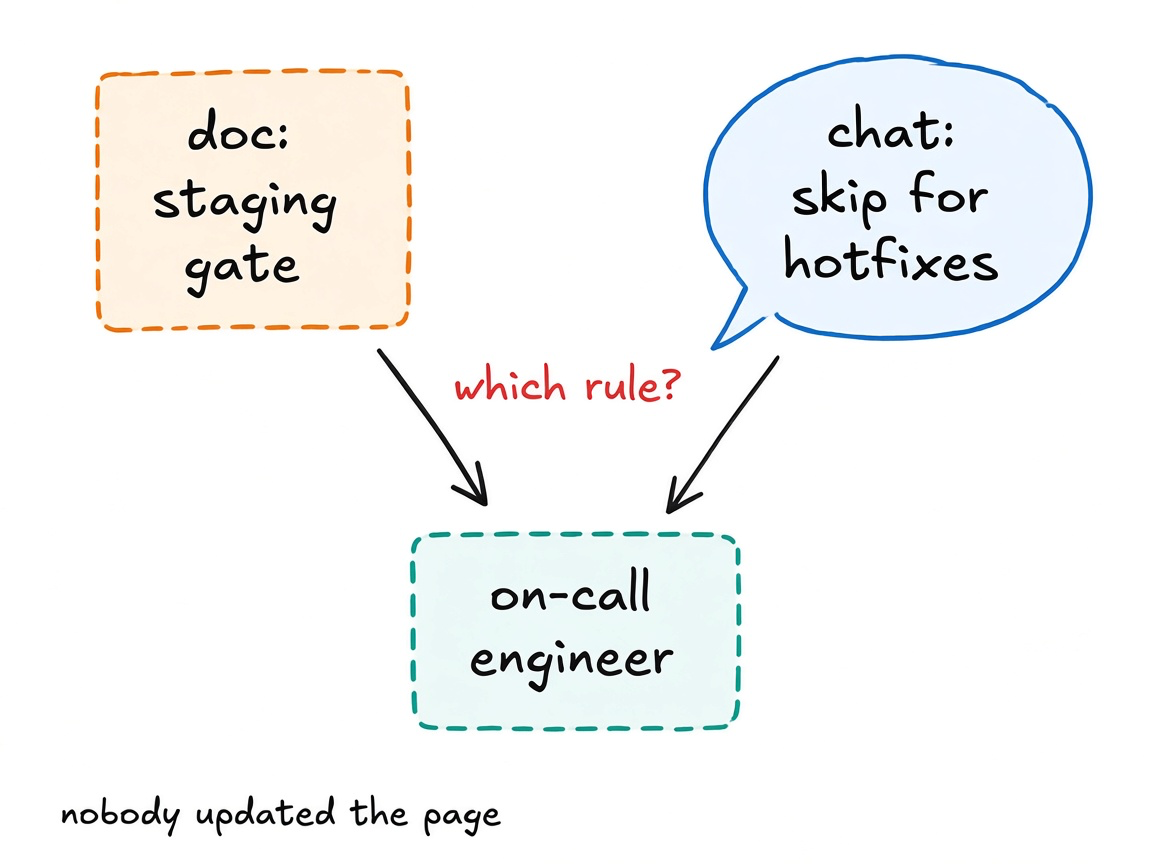 A doc says staging gate, a chat bubble says skip for hotfixes, and both point at one on-call engineer who asks which rule applies.
A release procedure lives in a doc. Someone finds a faster path for hotfixes and says so in a thread. Suppose the thread says hotfixes skip the staging gate, and the team agrees. The doc still lists the gate. The decision happened, the page never heard about it, and the next person follows whichever source they found first.
This drift is harder than the others because the change was deliberate. Nobody forgot. The decision moved to the place where decisions happen, and the doc stayed in the place where people look for rules.
A page with no owner has no one who gets paid to notice. Name one in the header, as in the example above, and put that name in the review rota for the page.
The check reads the page against the place decisions happen. List each procedure the page states. For each one, search the last three months of chat, incident notes, and review threads for the step it names. Any hit that changes a step is a drift, even if the people in the thread were right.
Four of the five drifts are facts moving under the page. This one is a fact moving outside it. Which of the five does your team have the most of?
Pick the page your team trusts most. Trust is the reason to check it first. A trusted page gets used without being read, so it drifts without anyone looking.
Set aside an hour. Start with the numbers, because they are the fastest. Then the paths, then the version header, then the reader test, then the procedures. Write down every drift you find, with the line where the page still says the old thing and the commit that changed the code.
Fix the drift that costs the most first. For most teams that is a procedure, because people follow a wrong step on a page they trust. Then add the header with an owner's name to that page.
Then do the same for the next page. The next doc you publish will drift too. After this week, the question you can answer is which of the five it drifted by, and who answers for it.